Overwatch 2 BN-564 error code disrupts gameplay on PC, PlayStation, and Xbox—discover effective fixes and server check strategies here.
Okay, fellow heroes, let's talk about one of the most annoying things that can happen in 2026: you're all hyped for a night of Overwatch 2, you launch the game... and BAM. You're hit with that dreaded BN-564 error code. Nothing loads, you can't log in, and your plans are instantly ruined. Been there, felt that frustration! But after dealing with this myself more times than I'd like to admit, I've put together a complete survival guide. The good news? This error usually isn't your fault! It pops up when there's a communication breakdown between your game and Blizzard's servers. The bad news? It happens to everyone, on PC, PlayStation, and Xbox. But don't panic—let's get you back in the fight.
Step 1: Is It Them or Is It Me? Check the Servers First!
Before you start messing with your own setup, always check if the problem is on Blizzard's end. Overwatch 2 is a live-service game, which means servers go down for maintenance—sometimes scheduled, sometimes... not so much. 😅
Here’s my go-to checklist to see if it's a global issue:
🔍 Check Downdetector for Overwatch 2: A sudden spike in reports? It's definitely a server thing.
🔍 Follow the Official Blizzard CS X Account: They post about all maintenance and outages. No tweets about problems? Might be on your side.
🔍 Quick Social Media Scan: Reddit and the official forums are on fire with people complaining about BN-564? You're not alone!
Why start here? Because if the servers are down, no amount of restarting your router will help. Save yourself the hassle!
Step 2: The Secret Weapon - Re-Link Your Gaming Account
This fix is a lifesaver and comes straight from the official Battle.net forums! Sometimes, the connection between your Blizzard account and your platform (Steam, PSN, Xbox) gets a little... confused. A quick re-link can clear that up.
Here’s exactly what I do:
-
Log In: Head to the Battle.net website and sign into your Blizzard account.
-
Settings: Hover over your name in the top-left corner and click "Account Settings".
-
Connections: Find and click the "Connections" tab.
-
The Fix: Find your platform (PlayStation Network, Xbox, Steam) and click "Unlink".
-
Reconnect: Immediately re-link the same account.
It sounds too simple, right? But this refreshes the authentication handshake and has solved the BN-564 error for me more than once!
Step 3: The Classic Restart Ritual (It Works, I Swear!)
If the servers are fine and re-linking didn't help, it's time for the universal IT solution: turn it off and on again. But we're going to do it properly.
Don't just restart the game. Follow this power-cycle routine:
🔄 Restart the Game Client: Fully quit Overwatch 2 on your PC or console and relaunch it.
⚡ Power Cycle Your Console/PC:
- Turn it off completely.

- **Unplug the power cable** from the back. (Yes, unplug it!)

- Wait for **2 full minutes**. This clears the system's temporary cache.

- Plug it back in and turn it on.
📶 Power Cycle Your Router/Modem:
- Turn off your router.

- Unplug it from power.

- Wait for **1 minute**.

- Plug it back in and wait for all the lights to settle.
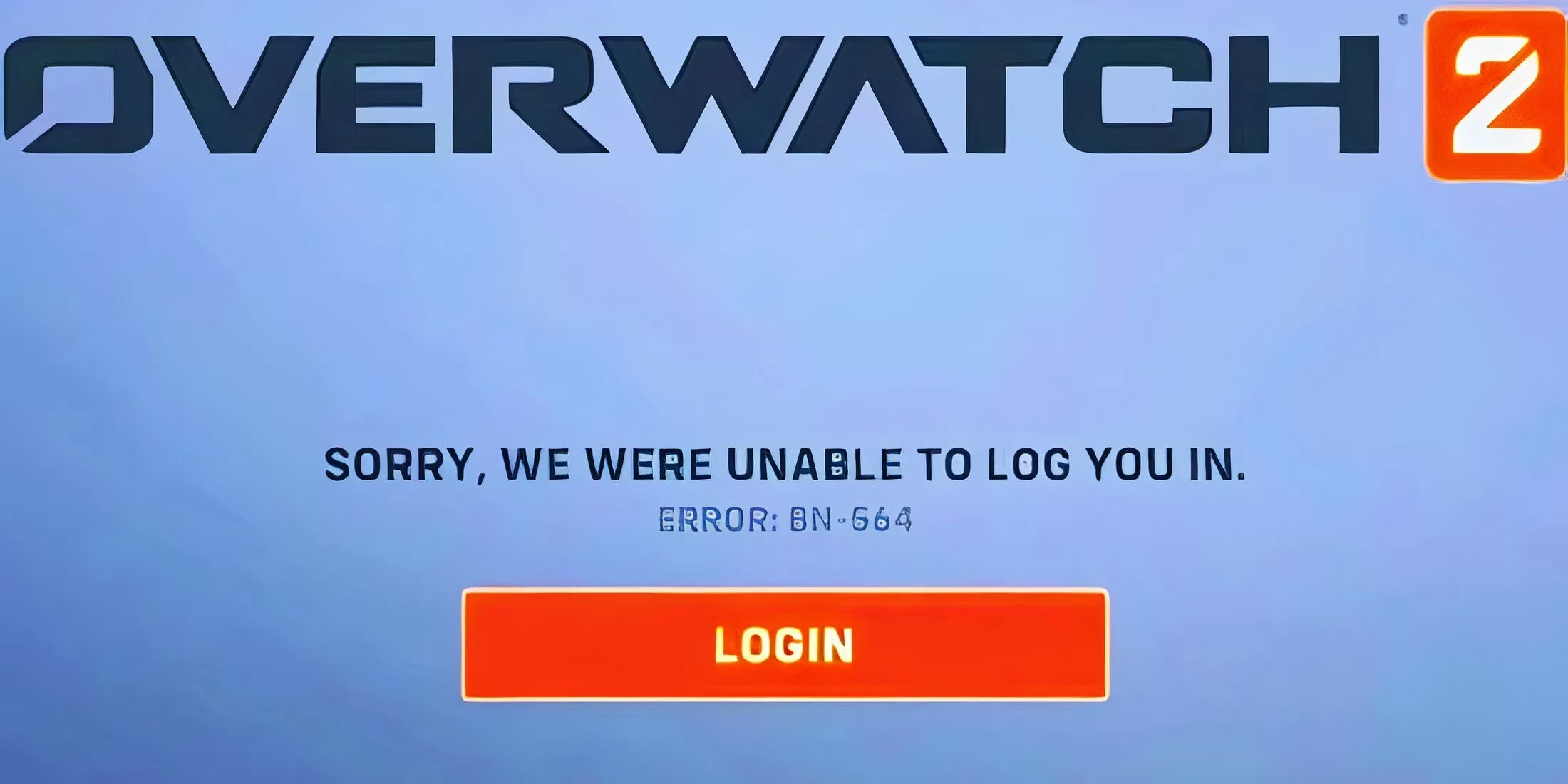
Why all this? Power cycling is like a deep-clean reboot for your network hardware and console. It flushes out old, glitchy connection data that might be causing the BN-564 network error. Think of it as giving your entire setup a fresh start.
Pro Tips & Final Thoughts for 2026
-
Patience is Key: If it's a widespread server issue, Blizzard is already on it. Grabbing a snack and waiting 30 minutes is often the real fix.
-
Wired Over Wireless: If you're on console or PC, try using a wired Ethernet connection if possible. It's always more stable than Wi-Fi.
-
Firewall/Antivirus: Rare, but sometimes security software can block the connection. Try temporarily disabling it (just to test!) and see if the error persists.
Dealing with error BN-564 is frustrating, but it's almost always solvable. The sequence is key: Check Servers → Re-link Account → Power Cycle Everything. One of these steps will almost certainly get you past that login screen and back into the game. Now go on, get back out there! The payload isn't going to push itself. 🎮✨